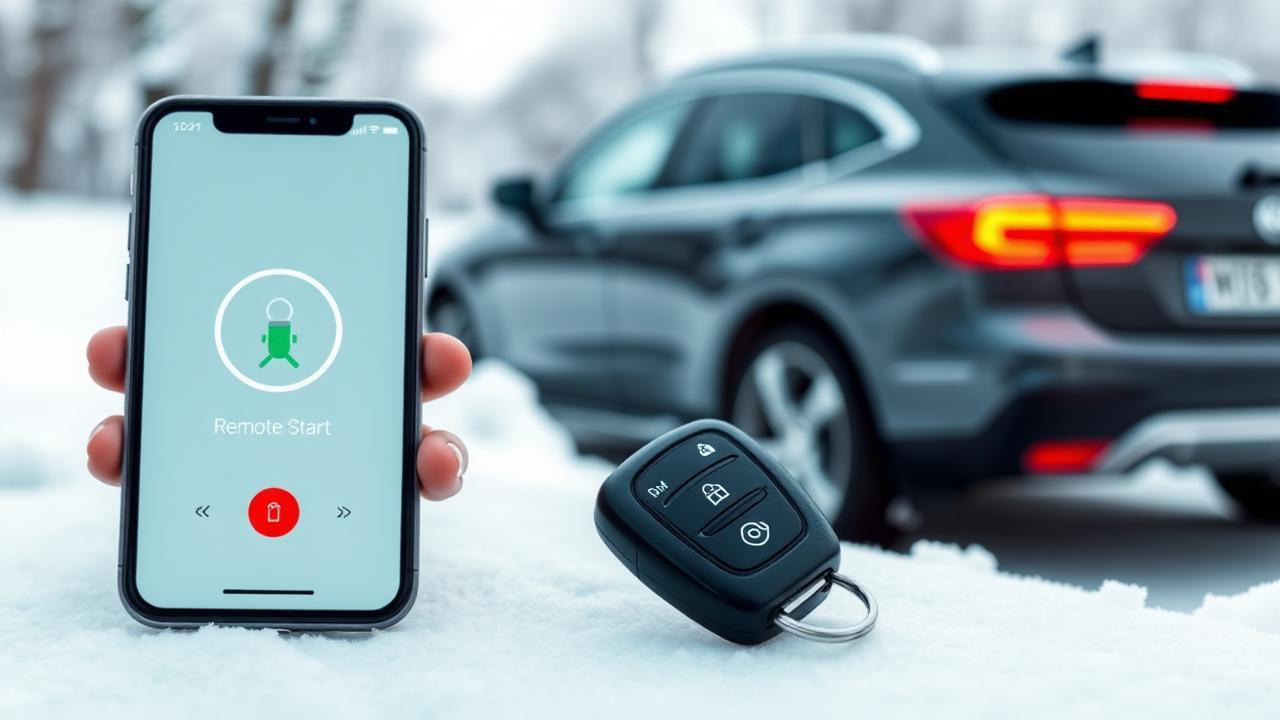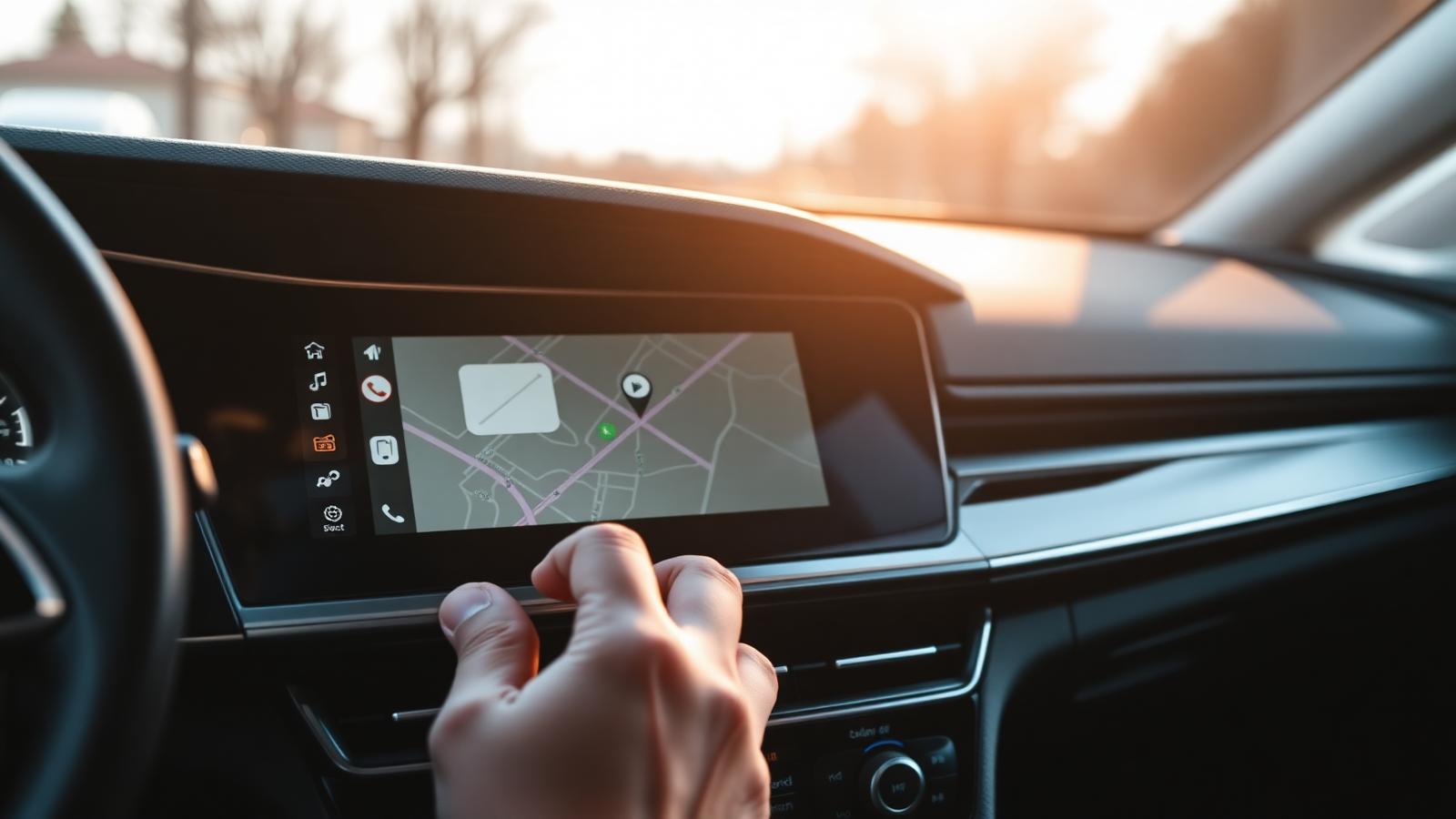
Once you've driven a car with wireless Apple CarPlay or Android Auto, you can't go back. You sit down, your phone connects in the pocket, the screen lights up with your maps and music and messages, and you don't think about it again until you get out. No cables. No fishing the phone out of the console. No "USB device not recognized." It just works.
The good news: you can have it in basically any car built since 2008, and in a surprising number of older cars too. The tricky news: there are now half a dozen ways to do it, and the wrong choice can leave you with worse usability than the factory system. This guide walks through every option, what it costs, and how to pick.
The three categories of wireless CarPlay upgrade
Every retrofit falls into one of three buckets. Picking the right bucket is the whole game.
1. Wireless adapter (you already have wired CarPlay)
If your factory system supports wired CarPlay or Android Auto and you'd just like to skip the cable, a small adapter is all you need. You plug it into the factory USB port once, pair your phone, and from then on the phone connects wirelessly every time you start the car.
These adapters cost $80–$150, take five minutes to install, and require zero changes to the vehicle. Brands like Ottocast, Carlinkit, and Motorola MA1 (Android Auto) all work. Pick one with reviews that mention "fast pairing" — the cheap ones can take 30 seconds to connect, which is enough to drive you insane.
Caveats: some 2020+ vehicles disable the wireless protocol in software even though the hardware supports it. If your adapter won't pair, check whether your car needs a firmware update or whether your trim level shipped with the feature disabled.
2. Factory-integrated retrofit (modern cars, no aftermarket look)
For 2015-and-newer vehicles where the factory screen is good but doesn't have CarPlay at all, the cleanest upgrade is a factory-integrated retrofit module. It plugs in behind the dash, taps into the existing screen, and adds CarPlay / Android Auto without changing anything you can see. The factory backup camera still works. The steering-wheel controls still work. The climate controls still work. You just get a new icon on your screen called "CarPlay."
Cost: $700–$1,400 installed, depending on the vehicle. Worth every dollar in cars where the factory dash is uglier than the screen (modern Mercedes, BMW, Audi, Tesla-style touchscreens).
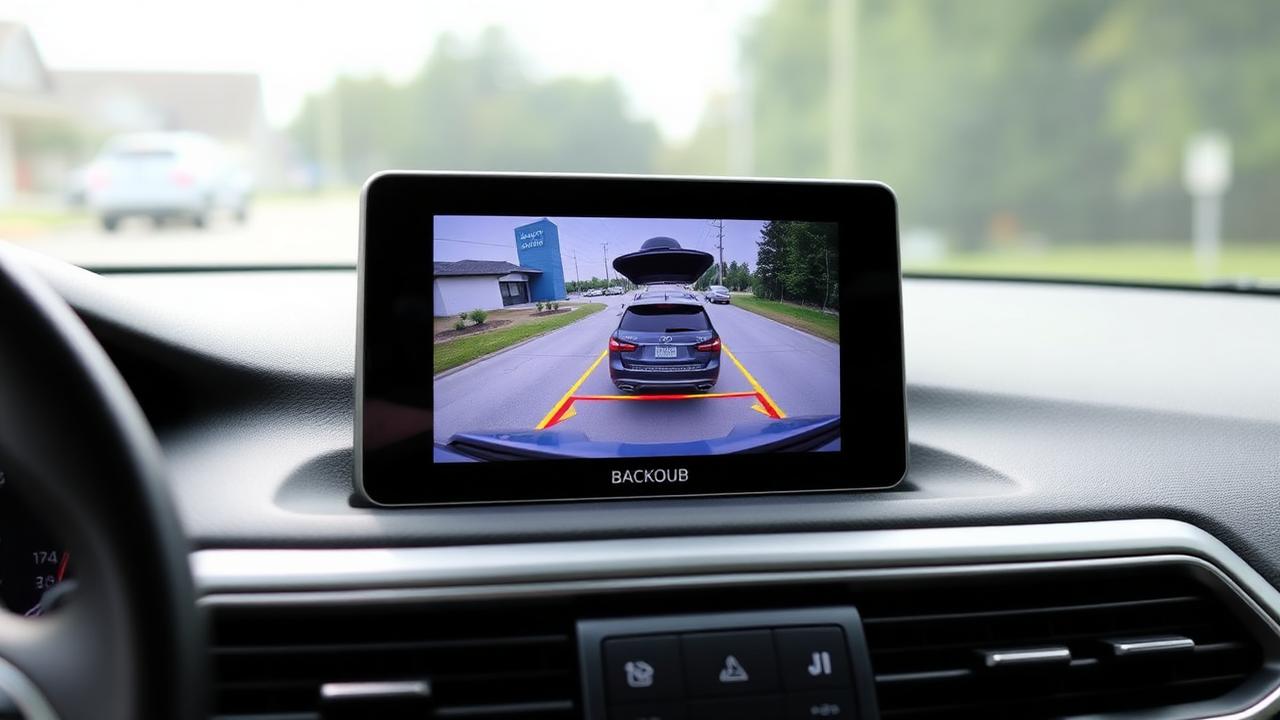
The big advantage here is you don't lose anything. Most aftermarket head-unit installs cost you backup-camera integration, climate displays, or steering-wheel volume. A good retrofit module preserves all of it.
3. Aftermarket touchscreen (older cars, or cars with bad factory screens)
For cars where the factory radio is genuinely terrible — most pre-2015 vehicles, plus some lower trims of newer cars — replacing the head unit with an aftermarket double-DIN touchscreen is still the right answer.
Today's aftermarket units from Pioneer, Sony, Kenwood, Alpine, and JVC all support wireless CarPlay and Android Auto out of the box. They have HDMI inputs, multiple camera inputs, dedicated sub outputs, and DSP. The screens are bright, the touch response is fast, and the interfaces are finally usable.
Cost: $500–$1,500 for the unit, plus $300–$800 for the dash kit, wiring harness, antenna adapter, steering-wheel control interface, and installation. Plan on $1,200–$2,500 all-in for a quality build.
This is also the route to take when you want a bigger screen than the factory one — 9" and 10.1" floating touchscreens are common upgrades in trucks, vans, and older sedans where the factory radio is a 4" postage stamp.
What "wireless CarPlay" actually does
A quick walk through the experience, because some customers are surprised what's possible:
- Maps: Apple Maps, Google Maps, and Waze all run on the car's screen with full search, turn-by-turn voice guidance, and lane assist
- Music & podcasts: Spotify, Apple Music, YouTube Music, Tidal, Pandora, Audible, Pocket Casts — anything that supports CarPlay
- Messages: Siri reads incoming texts aloud and lets you reply by voice; iMessage, WhatsApp, and SMS all supported
- Calls: full phone integration with contacts, recent calls, voicemail
- Calendar: today's meetings show up automatically and you can navigate to the next location with one tap
- EV charging: PlugShare, ChargePoint, and Tesla's network all have CarPlay apps now
Android Auto matches almost all of this with Google's apps, plus better integration with Google Assistant and Waze.
The wireless charging question
If you're going wireless on CarPlay, your phone isn't plugged in, which means it's not charging. Heavy navigation use will drain a phone battery noticeably faster than the car can keep up using only Bluetooth.
Two solutions:
- Add a wireless charging pad to the dash or center console. Most cars have a spot — sometimes you can swap the factory phone tray for a Qi-charging one. We install dedicated Qi pads regularly.
- Plug in for charging only. Plenty of customers run a short USB cable just for power and let CarPlay stay wireless. The phone still connects via Wi-Fi; the cable is dumb power.
If you're someone who streams audio + uses navigation for an hour each way every day, plan for one of these or your phone will be at 30% by lunch.
Screen-mirroring boxes ("Magic Box", "AI Box") — proceed with caution
You'll see ads for Android-powered boxes that plug into a CarPlay-equipped car and run Netflix, YouTube, Disney+, and Android apps on the factory screen. They're real, they work, and they're a mixed bag.
The upside: in-car YouTube and Netflix in the back seat, full Android app store, often with built-in 4G LTE.
The downside: video playback while driving is illegal in most states (these boxes lock it down by parking-brake signal, which is often bypassed in install guides), the interfaces are clunky, and the cheaper units crash regularly. The boxes that do work well are $400–$600 and need to be carefully integrated so they don't conflict with the factory CarPlay handshake.
We install them when customers specifically ask, and we always explain the legal and stability trade-offs first.
Steering-wheel controls and the things people forget
When you replace the head unit, you have to think about what the head unit is connected to that isn't the radio. Modern cars route everything through the dash:
- Steering-wheel volume / track / phone buttons
- Backup camera
- Factory amplifier and speaker system (especially in luxury vehicles)
- OnStar / Sirius XM / HD Radio
- Climate control display
- Vehicle settings menus (drive modes, ride height, lighting)
Every one of those needs a plan. A pro installer uses an interface module (PAC, Maestro, iDatalink) that translates the factory CAN-bus signals so the aftermarket head unit knows what's going on. A cheap install skips this and you lose the camera, or the volume buttons stop working, or the OnStar light flashes forever.
Ask any installer how they handle these signals before you book. If they shrug, walk out.
Reliability: what tends to break
We track failure rates on every install we do. The patterns are clear:
- Cheap adapters ($30 Amazon specials): die within a year, often less
- Mid-tier adapters (Ottocast, Carlinkit): 2–3 years typical lifespan
- Factory retrofit modules (Mercedes/BMW/Audi-specific): essentially indefinite — they're built like the rest of the car
- Quality aftermarket head units (Pioneer DMH, Sony XAV, Kenwood Excelon): 5+ years easily
If you're keeping the car under 2 years, the cheap adapter is fine. If you're keeping it longer, spend the extra money once.
Common mistakes to avoid
A few traps we see weekly:
- Buying the unit without a dash kit. The dash kit is half the install cost. Quote everything together.
- Ignoring antenna adapters. Many cars need an active-antenna power lead or you'll lose FM reception entirely.
- Trusting "plug and play" claims. It's almost never just plug and play. Plan for a real install.
- Forgetting about navigation downloads. Wireless CarPlay needs cell signal for routing. In a true rural area, factory nav (or an offline app like HERE WeGo) is still worth keeping.
How to choose, in order
If you remember nothing else from this article, walk through these questions in order:
- Does my car already have wired CarPlay? → Buy a $100 wireless adapter, you're done.
- Is my factory screen modern and big, but missing CarPlay? → Factory-integrated retrofit, $700–$1,400.
- Is my factory radio old, ugly, or small? → Aftermarket touchscreen with wireless CarPlay built in, $1,200–$2,500.
- Do I want video apps in the back seat? → Add an AI box on top of any of the above, with informed expectations.
That decision tree covers about 95% of the cars that come through our shop. The remaining 5% are weird edge cases — Tesla retrofits, Bronco Hard-Shift Pro packages, Rivian software lockouts — that we handle case by case. Bring your car in for a free 15-minute look and we'll tell you exactly which path makes sense and what it costs.
Wireless CarPlay is the rare upgrade that genuinely changes how you use your car every single day. Worth doing right.